Case Mgmt Software Features That Actually Save Time
.png)
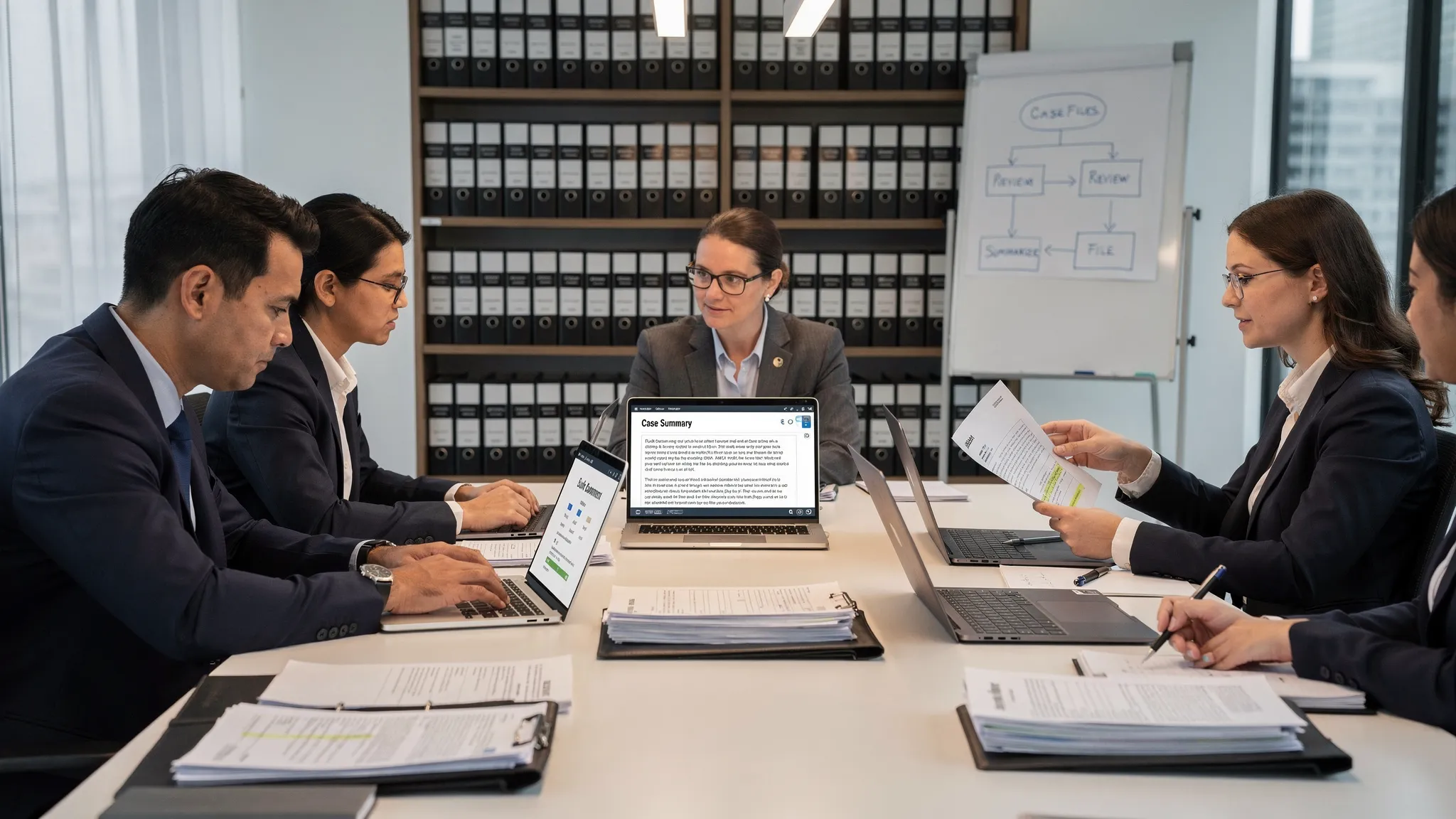
Buying case mgmt software is usually sold as a “one system” decision. In practice, the real question is simpler: Which features eliminate the repetitive work your team does every single case?
If you are comparing tools (or replacing one that became a digital filing cabinet), focus on features that reduce three common time sinks:
- Re-reading the same records to build summaries and timelines
- Rewriting the same work product (letters, outlines, reports) from scratch
- Chasing versions, tasks, and “where is that document” across email and shared drives
1) Fast document ingestion that does not create more admin
Time-saving starts before you click “generate.” If your intake is clunky, everything downstream slows.
Look for:
- Bulk upload that accepts real-world files (PDFs, scanned records, mixed document sets)
- Automatic organization (so you are not renaming hundreds of files)
- Reliable text extraction with a clear way to verify what the system read
Why it matters: if attorneys and paralegals have to “clean” documents first, the software is shifting time, not saving it.
2) AI-driven document analysis that produces usable outputs (not just chat answers)
Many platforms can “summarize.” Fewer can consistently turn a document pile into litigation work product.
Time-saving analysis features usually include:
- Structured summaries (not just a paragraph, but an organized, scan-friendly output)
- Issue spotting and case signals you can quickly validate
- Consistency across large record sets (so the style and structure do not vary by upload)
With a litigation-focused platform like TrialBase AI, the goal is that you upload documents and quickly receive case-ready materials like summaries, demand letters, and deposition outlines, rather than spending hours drafting from a blank page.
3) Automated drafting that matches how your firm actually writes
Templates help, but they still require manual assembly. The biggest time win is automated drafting tied to the facts in your documents.
Features worth prioritizing:
- Demand letter drafting based on the uploaded records (so you are not retyping injury, treatment, and damages details)
- Reusable firm language (where you can standardize tone and sections without losing control)
- Export formats your workflow expects (so you are not fighting layout and formatting)
The litmus test: after generation, you should be editing for strategy and accuracy, not rebuilding structure.
4) Medical summaries that reduce re-reading and rework
Medical records are where case time disappears. The right feature does more than recap. It helps your team work faster the next time you touch the file.
Look for medical summary capabilities that:
- Organize treatment chronologically
- Flag key events (diagnoses, procedures, imaging, referrals)
- Stay traceable so you can quickly confirm details in the source records
This is especially valuable when the case changes hands, a new attorney steps in, or you are prepping for mediation with limited time.
5) Deposition outline generation that is anchored to the record
Depo prep often becomes a blend of old outlines, scattered notes, and last-minute record review. A strong case mgmt software workflow can reduce prep time by producing a first-pass outline aligned to what is already in the file.
Time-saving outline features include:
- Witness-specific structure (plaintiff, treating provider, corporate rep)
- Topics driven by the documents you uploaded
- Easy iteration so you can tailor sections for theme and theory
The point is not to automate judgment. It is to eliminate “blank page” work and make sure nothing obvious gets missed.
6) Unified workflow management (so work does not live in Slack and email)
Even great drafting tools fail if your team cannot coordinate.
Workflow features that actually save time:
- A shared workspace where documents, outputs, and notes live together
- Clear handoffs (who reviews what, and when)
- Collaboration controls that reduce version confusion
If your firm has ever edited two different versions of the same demand letter, you already know how expensive versioning mistakes can be.
7) Settlement-focused insights that reduce “analysis paralysis”
The hidden cost in many cases is not writing, it is circling back repeatedly because you do not have a clean, comparable view of the case.
Good analytics features help you:
- Identify what is known vs missing
- Summarize key facts for negotiation
- Prepare consistent support for demand and settlement posture
This is where “case mgmt” stops being storage and starts being decision support.
Quick comparison table: what to prioritize when time is the KPI
| Feature area | What it replaces | What to verify in a demo |
|---|---|---|
| Document ingestion and organization | Renaming, sorting, manual OCR cleanup | Works with messy PDFs and scanned records, easy to validate extracted text |
| AI-driven document analysis | First-pass review and repeated re-reading | Outputs are structured, consistent, and easy to confirm against sources |
| Demand letter automation | Drafting from scratch plus manual fact assembly | Draft is litigation-ready and editable, exports cleanly |
| Medical summaries | Manual chronology building and med record rereads | Chronological organization, clear key events, traceability to records |
| Deposition outline generation | Reusing stale outlines, last-minute scrambling | Outline aligns to the record and is easy to customize |
| Collaboration workspace | Email threads, conflicting versions | Single place for latest docs and generated work product |
A practical way to evaluate time savings (without guessing)
When you trial a platform, bring one representative case file and test a full mini-workflow.
Ask:
- Can we go from upload to a usable demand letter draft without manual copy-paste?
- Do medical summaries reduce follow-up questions from the attorney reviewing them?
- Can we generate a deposition outline that reflects the actual records we uploaded?
- How easy is it for a second team member to pick up the case and continue work?
This “one case, end-to-end” test is more predictive than feature checklists.
A note on workflow platforms in other high-stakes fields
Time-saving software patterns are consistent across industries with heavy documentation and after-action accountability. Emergency management teams, for example, use platforms like Preppr’s complete exercise platform for emergency management to design, deliver, and document complex workflows with less busywork. The same principle applies in litigation: the best tools reduce manual assembly and improve repeatability.
Frequently Asked Questions
What are the most important case mgmt software features for a small plaintiff firm? Prioritize fast document ingestion, medical summaries, demand letter drafting, and collaboration, because those remove the most repetitive work in high-volume workflows.
Will AI drafting replace attorney review? No. The practical value is speed and consistency. Attorneys should still validate facts, refine strategy, and ensure the final work product matches the case theory and jurisdictional requirements.
How do I know if a summary is reliable? Look for traceability. The best tools make it easy to confirm key details against the underlying documents, rather than forcing you to trust an uncheckable narrative.
What should I test during a demo to confirm time savings? Use a real case file and run a full flow: upload documents, generate a medical summary, draft a demand letter, and produce a deposition outline. Measure how much manual cleanup is still required.
Is collaboration really a time-saver, or just a nice-to-have? It saves time when it prevents version conflicts and reduces handoff friction. If your team coordinates through email attachments, collaboration features usually pay back quickly.
See what “minutes, not hours” looks like
If you want case-ready litigation outputs fast, TrialBase AI is built for exactly that workflow: upload your documents and generate demand letters, medical summaries, deposition outlines, and more in minutes.
Explore TrialBase AI here: https://ai.trialbase.com