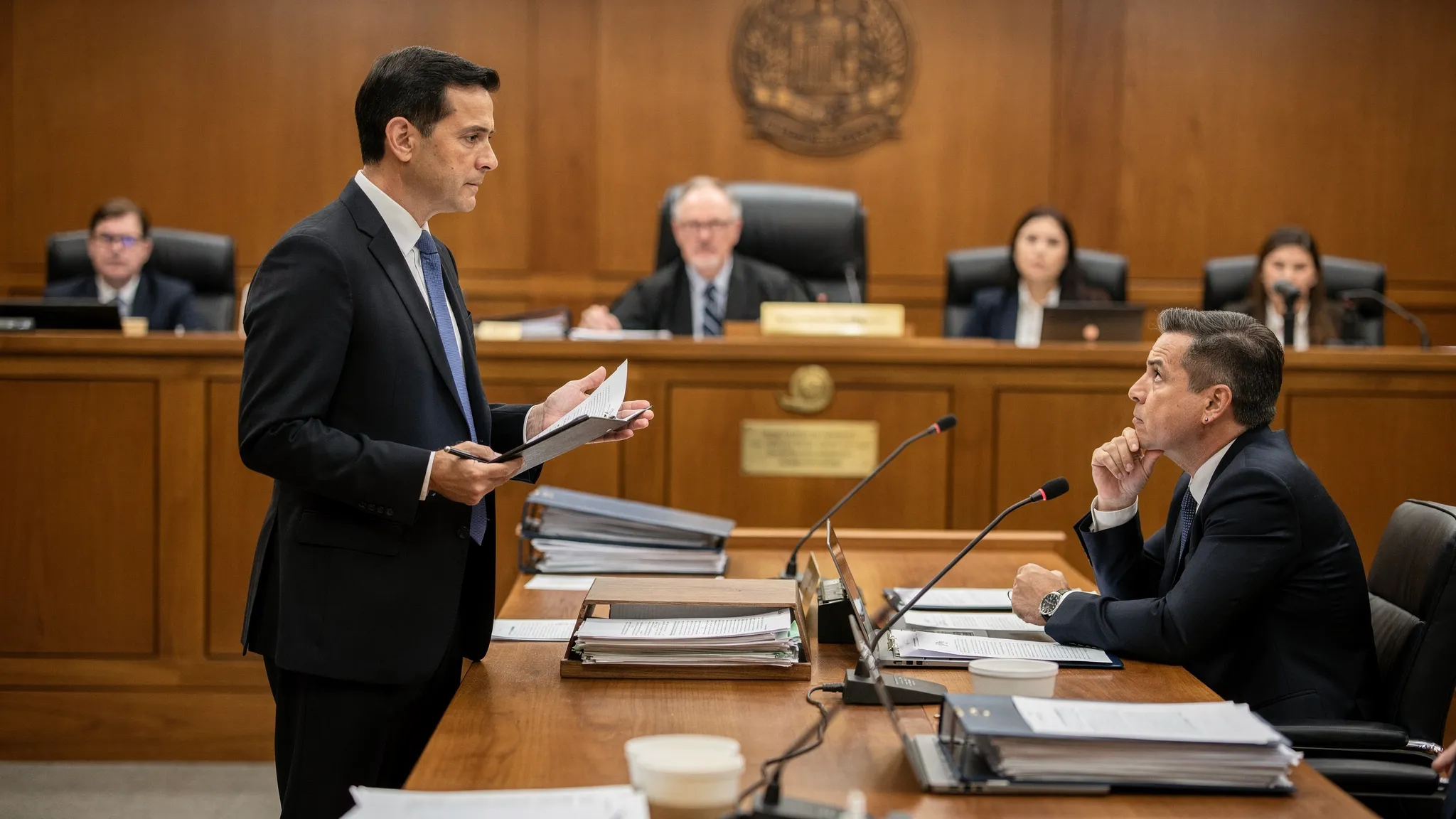
What Trial Attorneys Need in a Modern Case Workflow
.png)

Trial work rarely fails because of one bad argument. It fails when information is late, fragmented, or inconsistent, and the team cannot turn raw records into a coherent story fast enough.
A modern case workflow is not “more software.” It is a repeatable way to move from intake to verdict with speed, accuracy, and defensible work product. Below is what trial attorneys should expect from a modern workflow in 2026, and what to look for when evaluating tools and processes.
The real bottleneck: transforming documents into decisions
Most litigation teams already have documents. The problem is conversion:
- Converting intake notes into a liability theory.
- Converting medical records into a damages narrative.
- Converting discovery into deposition control.
- Converting a messy file into trial-ready materials.
A modern workflow shortens that conversion time while preserving quality and traceability.
What “modern” means for trial attorneys
A modern case workflow is built around four outcomes:
1) Speed without sacrificing accuracy
Trial calendars do not care how many PDFs you received. You need fast drafting and fast synthesis, but with review hooks so attorneys can verify and edit.
2) One source of truth
If facts, chronology, issues, and drafts live across email threads, shared drives, and personal notes, you get version conflicts and missed details.
3) Collaboration that matches how trial teams actually work
Partners, associates, paralegals, and experts need controlled access, clear ownership, and clean handoffs.
4) Defensibility and governance
Using AI (or any automation) raises practical questions: What did the system rely on? Can we reproduce it? Is the output consistent with our voice and standards? Modern workflows treat this as a first-class requirement, not an afterthought.
The capabilities a modern case workflow should include
Intake that builds a case map, not just a folder
At intake, a modern workflow should help your team quickly establish:
- Parties, insurance layers, venues, and key dates
- A working liability theory and open questions
- Early red flags (gaps in treatment, causation issues, prior claims, inconsistent statements)
The goal is to reduce “cold start” time so the first week of a file produces usable direction.
Medical and damages synthesis you can take to negotiation
For PI and other injury cases, the workflow must convert medical records into something you can use.
Look for the ability to produce structured medical summaries (chronology, treatment, diagnoses, imaging, meds, prior history signals) and to tie that to damages themes. The right workflow also makes it easy to locate the supporting page for any critical assertion during review.
Discovery management that moves you toward deposition control
Discovery is where case narratives either crystallize or fall apart.
A modern workflow should support fast document analysis and issue spotting so you can:
- Identify admissions, inconsistencies, and missing categories
- Build witness-specific timelines
- Generate deposition outlines grounded in the actual record
The practical standard here is simple: if you have a deposition in 48 hours, can the workflow get you to a clean outline without relying on someone’s memory of the file?
Drafting that is litigation-ready, not generic
Trial attorneys need drafts that reflect posture, venue norms, and case facts.
In a modern workflow, drafting is not a standalone “text generator.” It is a document-informed process that uses your uploaded materials to produce first drafts such as demand letters and outlines, with clear places for attorney judgment.
This is where platforms like TrialBase AI fit naturally: upload documents, then generate litigation outputs such as demand letters, medical summaries, deposition outlines, and trial materials in minutes, within a unified workflow built for legal teams.
Settlement-focused insights, early and continuously
Many cases are won before trial, but only if you can evaluate value and risk quickly.
Modern workflows support settlement posture by helping teams stay organized around:
- Liability strengths and weaknesses
- Damages drivers and medical causation support
- Credibility issues and impeachment material
- What you still need to prove (and how to get it)
The goal is not to “automate valuation.” It is to ensure your negotiation position is grounded, current, and easy to update as new facts arrive.
Trial prep that is repeatable under pressure
Trial prep is where workflows either shine or collapse.
A modern workflow should make it easier to:
- Turn case chronology into trial themes
- Create witness packets that match your examination plan
- Build and revise outlines without losing track of exhibits
- Generate trial materials consistently (and update them when facts change)
Consistency matters because trial teams iterate fast. If every revision requires manual rework across multiple documents, errors creep in.
Governance: consistency, permissions, and standards for AI-assisted work
If AI is part of your workflow, you need governance that makes the work more reliable and easier to supervise.
That includes:
- Permissioning (who can upload, generate, export)
- Standardized templates and drafting rules
- Consistent output style across the team
- Clear review steps before anything leaves the firm
In other industries, teams are formalizing “operating systems” for AI to keep outputs consistent and compliant across workflows. If you are interested in how that looks at scale, tools positioning themselves as an OS for governed AI operations, like Virtuall’s creative AI OS, are a useful reference point for the kind of control and repeatability legal teams increasingly want (even though the legal use case has its own confidentiality and responsibility requirements).
A simple checklist: what to map from intake to verdict
Use this table to pressure-test your current process or any platform you are evaluating.
| Stage | What trial attorneys need | What “good” looks like | Common failure mode |
|---|---|---|---|
| Intake | Fast case map and issue list | Clear theory, gaps, and next actions within days | Folder created, strategy deferred |
| Medical and damages | Record-based summaries | Chronology + citations for key points | “Summary” that cannot be verified quickly |
| Discovery | Issue spotting and retrieval | You can find admissions and contradictions fast | Important facts buried in PDFs |
| Depositions | Outline tied to documents | Questions map to exhibits and impeachment | Outline is generic, not record-driven |
| Settlement | Updated posture | Strengths, weaknesses, and proof needs are current | Negotiation based on stale assumptions |
| Trial prep | Repeatable materials | Iterations do not break version control | Exhibit chaos and last-minute rewrites |
Professional responsibility note: don’t outsource judgment
A modern workflow should make attorneys faster and more consistent, not less accountable. Most jurisdictions expect lawyers to maintain competence in the tools they use, including relevant technology (see ABA Model Rule 1.1, Comment 8). In practice, that means building review steps into the workflow and training teams to verify citations, timelines, and medical interpretations.
Frequently Asked Questions
What is a “modern case workflow” for trial attorneys? A modern case workflow is a repeatable intake-to-verdict process that centralizes documents, accelerates drafting and analysis, supports collaboration, and includes defensible review and governance.
What outputs should an AI litigation tool produce for trial work? The most useful outputs are record-based demand letters, medical summaries, deposition outlines, and trial-prep materials that can be traced back to source documents for quick attorney verification.
How do I evaluate whether a workflow actually saves time? Test it on a real file: upload a representative document set and see how quickly you can produce a usable medical summary and a deposition outline, then measure how much attorney time is still required to reach “sendable” quality.
Is collaboration really part of workflow, or just file sharing? Collaboration is workflow when roles, permissions, and version control prevent rework and confusion. File sharing alone usually increases duplicates and inconsistent drafts.
What should governance look like when using AI in litigation? At minimum: clear permissions, standardized templates, consistent output rules, and a required human review step before anything is served, filed, or sent to opposing counsel.
Build a workflow that gets you to litigation-ready faster
If your team is spending more time hunting for facts than using them, it may be time to modernize the system, not just the templates. TrialBase AI is designed to turn uploaded case documents into litigation-ready outputs like demand letters, medical summaries, deposition outlines, and trial materials, delivered in minutes.
Explore the platform at TrialBase AI and compare your current process to the checklist above before your next major deadline.