Litigation Support Companies: Compare Features That Matter
.png)
Most firms start evaluating litigation support companies for one reason: time. When deadlines stack up, the real question is not “Who has AI?” It is “Who reliably turns our documents into work product we can file, negotiate with, or take to deposition, without creating new risk?”
Below is a practical, feature-first comparison guide focused on what actually impacts case outcomes and attorney hours.
What “litigation support” should mean in 2026
Litigation support has expanded well beyond hosting documents or staffing reviewers. Today, the best providers help attorneys move from raw records to litigation-ready outputs with consistent structure, citations, and defensible workflows.
That typically includes:
- Converting medical and billing records into usable summaries
- Drafting demand letters and settlement packages from intake materials
- Building deposition outlines from chronologies and key issues
- Streamlining discovery organization and internal collaboration
Just as important, modern litigation support must align with professional responsibility expectations around competence and confidentiality. The ABA Model Rule 1.1 (Competence) and ABA Model Rule 1.6 (Confidentiality) are a useful baseline when you assess any vendor that will touch client data.
Compare features that matter (the short list)
The goal is to compare vendors on the capabilities that change your day-to-day workflow, not on generic promises. Use the categories below to structure demos and pilot projects.
1) Case-ready outputs (not just summaries)
A vendor can “summarize documents” and still leave you doing most of the work. The differentiator is whether outputs match the deliverables you actually need.
Look for support for:
- Demand letters that follow your jurisdictional and practice norms
- Medical summaries that are organized, chronological, and easy to verify
- Deposition outlines that map to issues, witnesses, and exhibits
- Trial materials that help you get from prep to presentation faster
A good demo test: provide the same intake packet to two vendors and compare how much attorney editing is required before you would send the demand.
2) Verifiability (citations, traceability, and editability)
Speed is worthless if attorneys cannot quickly check what the system produced.
In practice, “verifiable” means:
- Clear sourcing back to the underlying document and page (or Bates)
- The ability to spot-check key medical events, diagnoses, and billing
- Outputs that are editable in the formats your team uses (not locked PDFs)
If a platform cannot show where a statement came from, treat that as a structural risk, especially in high-value matters.
3) Workflow fit (intake to settlement, not one-off tools)
Many teams get burned by stitching together tools for OCR, summarization, drafting, and collaboration. When comparing litigation support companies, evaluate whether the product supports a unified flow:
- Intake upload and document organization
- Analysis and analytics that surface case themes fast
- Draft generation (demand, outline, summaries)
- Iteration with internal notes and team collaboration
You are not just buying outputs, you are buying fewer handoffs.
4) Collaboration controls (teams, roles, and review)
Litigation work is collaborative by nature, and AI output typically needs human review. Ask vendors how collaboration is handled:
- Role-based access (who can view, edit, export)
- Team workspaces and matter-level organization
- Review steps (attorney sign-off workflows, versioning, auditability)
Even a great drafting engine can create chaos if multiple people cannot coordinate edits safely.
5) Discovery and simplification features
Discovery support is not only about storage. Look for capabilities that reduce time-to-understanding:
- Rapid identification of key events and inconsistencies
- Tools that help build issue lists and chronologies
- Outputs that translate into deposition or mediation prep
If the vendor claims “discovery simplification,” ask them to show exactly what gets simpler (and what still stays manual).
6) Security, privacy, and vendor governance
You do not need a vendor to be perfect, but you do need clear answers. At minimum, you should be able to evaluate:
- Data handling (where it is stored, retention options, deletion process)
- Encryption practices (in transit and at rest)
- Access controls and audit logs
- Subprocessor transparency and contractual terms
If your firm uses formal vendor reviews, align the demo with that questionnaire early so you do not discover blockers after the pilot.
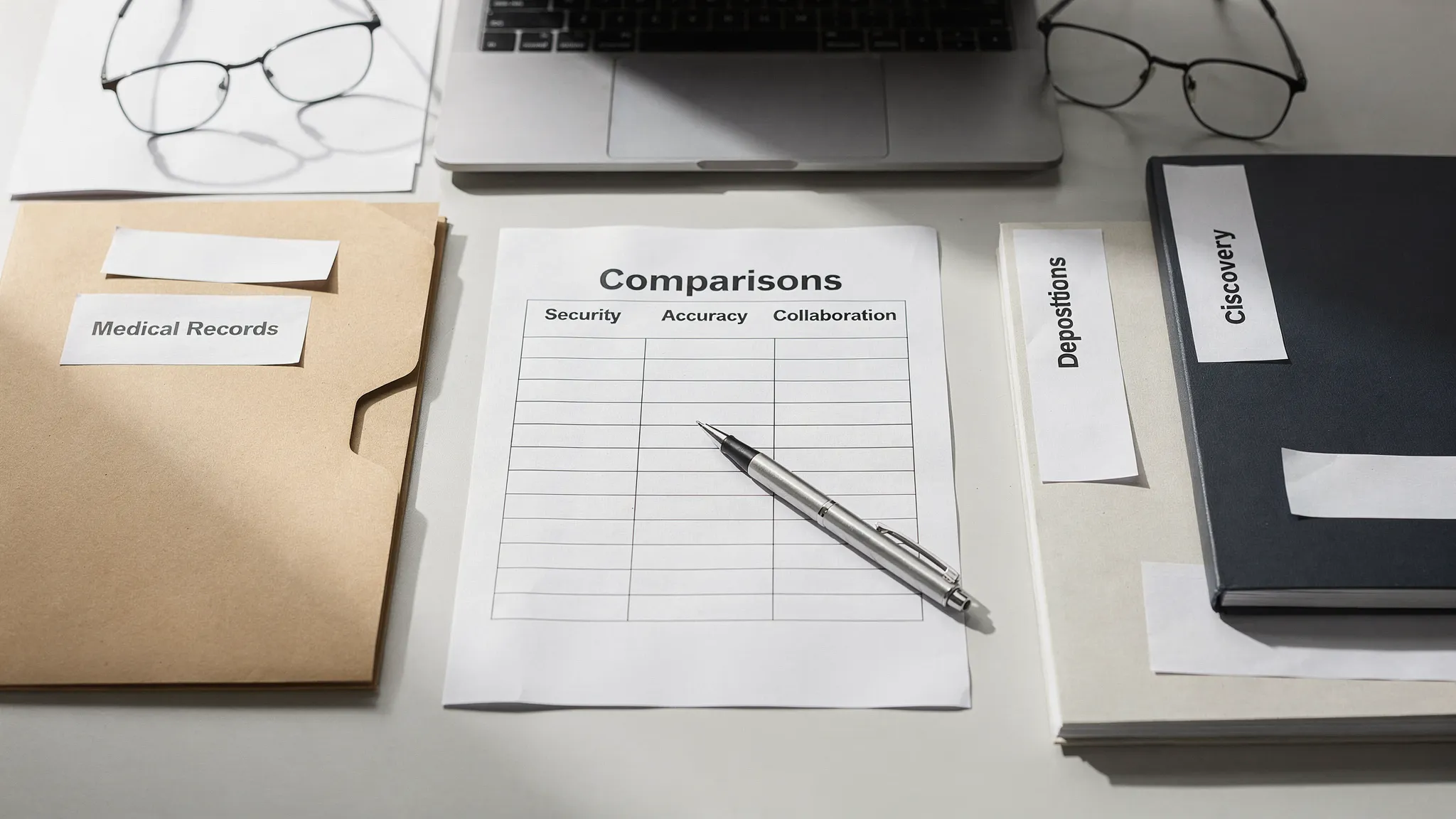
A comparison table you can use in demos
Use this as a scoring guide. It is intentionally phrased as “what to ask” so you can compare apples to apples.
| Feature category | What to ask in the demo | Why it matters in real cases |
|---|---|---|
| Case-ready outputs | “Show a demand letter, a medical summary, and a deposition outline from the same file set.” | Reveals whether the tool supports end-to-end prep, not isolated summaries. |
| Traceability | “Can you show exactly where this statement came from in the record?” | Reduces risk, speeds review, and improves confidence in negotiations. |
| Editing and export | “Can I export to Word (or my standard format) and edit without rework?” | Prevents copy-paste workflows and preserves attorney time. |
| Workflow management | “How do matters, versions, and drafts get organized across a team?” | Avoids tool sprawl and lost work product. |
| Collaboration | “How do roles/permissions work for associates, paralegals, and partners?” | Keeps review controlled and protects sensitive information. |
| Discovery simplification | “What steps does this replace in discovery review or chronology building?” | Ensures the value is measurable, not marketing language. |
| Security and governance | “What are your retention, deletion, and audit log capabilities?” | Helps satisfy client expectations and internal compliance requirements. |
| Settlement-focused insights | “How does the system surface damages drivers and negotiation leverage?” | Supports faster, better-informed settlement decisions. |
Red flags that usually show up in week two
These problems often do not appear in the first demo, but they matter.
- Outputs read well, but attorneys cannot verify key assertions quickly.
- The system produces a generic demand letter that does not reflect your venue, facts, or damages story.
- Collaboration is bolted on, leading to version confusion.
- Exporting creates formatting or structure issues that add editing time.
- Security questions get vague answers or are deferred indefinitely.
Where TrialBase AI fits in this landscape
TrialBase AI positions itself as intelligent litigation support from intake to verdict, focused on turning uploaded documents into litigation-ready work product in minutes. Based on the platform description, it is built around practical deliverables like demand letters, medical summaries, deposition outlines, trial materials, plus unified workflow and team collaboration.
If you are comparing vendors, a fast way to evaluate fit is to run a pilot matter and measure:
- Time saved from intake to a sendable demand draft
- Attorney review time required to validate summaries and key facts
- How easily the team can collaborate and keep drafts organized
You can explore the platform here: TrialBase AI.
A simple way to choose: pick the vendor that reduces review time, not just drafting time
The best litigation support companies do more than generate text. They reduce the time it takes to get to a confident, reviewable work product your team would stand behind.
When you evaluate options, anchor your decision on verifiability, workflow fit, collaboration, and security. If those are strong, speed becomes a true advantage rather than a new source of risk.