Litigation Schedule: A Simple Template to Prevent Missed Deadlines
.png)

Missed deadlines rarely happen because lawyers “forget.” They happen because deadlines live in too many places (rules, scheduling orders, emails, discovery responses, transcripts) and nobody owns a single source of truth.
A good litigation schedule fixes that. It is one simple, living document that converts every trigger (service date, court order, receipt of discovery) into a clear due date, owner, and next action.
What a litigation schedule should do (and what it should not)
A litigation schedule is not the court’s scheduling order. It is your operational plan that:
- Captures every deadline from rules, orders, and stipulations
- Shows the trigger that starts the clock
- Assigns ownership (who drafts, who reviews, who files, who serves)
- Makes dependencies obvious (for example, experts depend on medical summaries and records completeness)
It should also flag risks early, like “waiting on records,” “depo not noticed,” or “needs medical timeline.”
Important: deadlines vary by jurisdiction, judge, case type, and court orders. Always validate against controlling authority (for federal rules, see the Federal Rules of Civil Procedure).
A simple litigation schedule template (copy and use)
Use this as a spreadsheet, shared document, or matter workspace page. Keep it short, but complete.
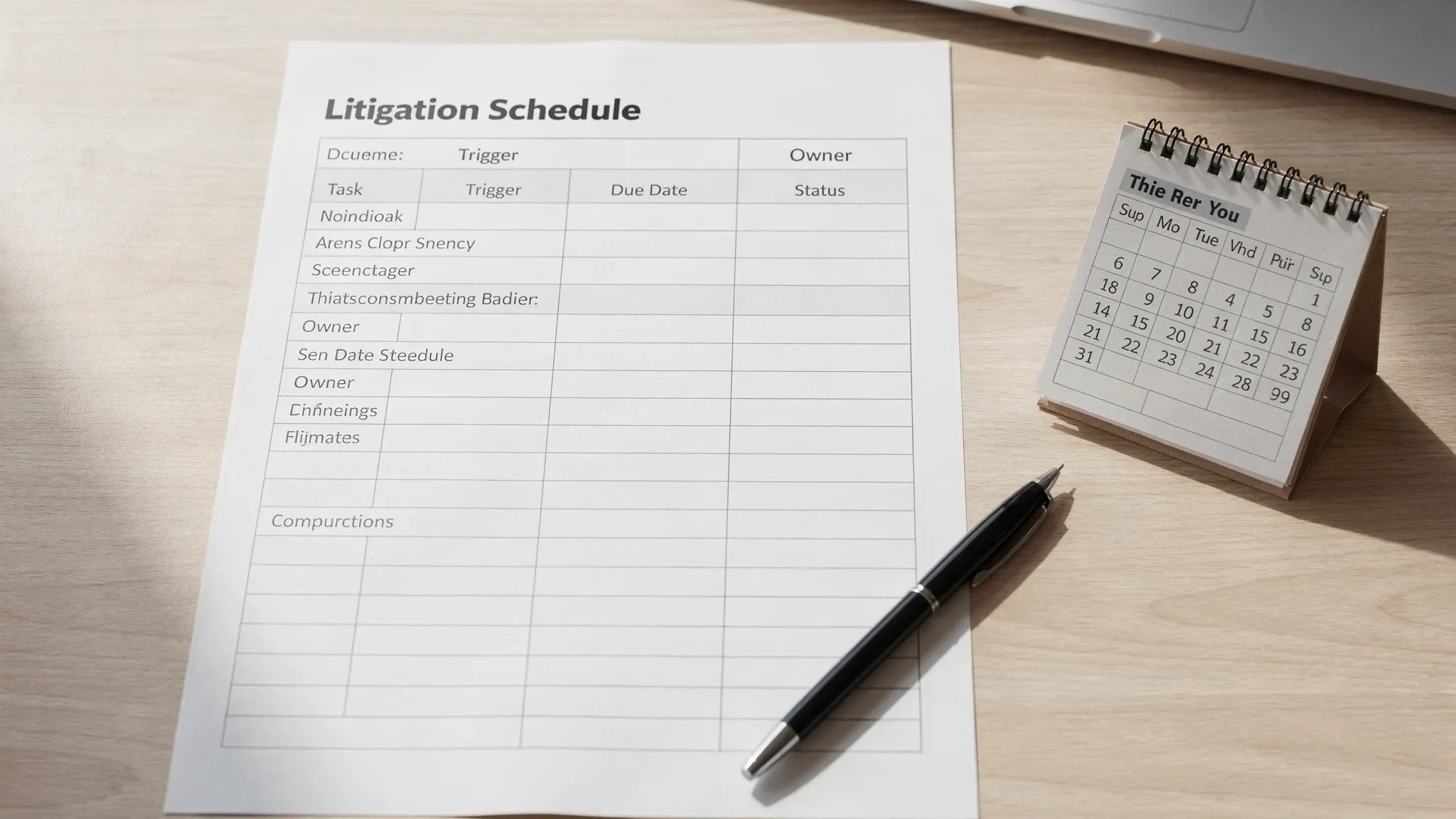
Core table (recommended columns)
| Phase | Task / Deliverable | Authority (Rule/Order) | Trigger event | Due date | Owner | Status | Notes / Dependencies |
|---|---|---|---|---|---|---|---|
| Intake | Conflict check complete | Firm policy | New intake | (date) | (name) | Not started / In progress / Done | Collect parties, insurer, providers |
| Pleadings | Complaint filed | Local rule / strategy | Case accepted | (date) | (name) | Venue, causes, damages theory | |
| Pleadings | Service completed | Rule / local practice | Complaint filed | (date) | (name) | Track proof of service | |
| Pleadings | Responsive pleading due | Rule / court order | Service date | (date) | (name) | Calculate from service, verify extensions | |
| Discovery | Initial disclosures (if applicable) | Rule / scheduling order | Rule trigger / order date | (date) | (name) | Requires documents list and damages computation | |
| Discovery | Written discovery served | Strategy | Discovery opens | (date) | (name) | Draft requests aligned to themes | |
| Discovery | Discovery responses due | Rule / stipulation | Service of discovery | (date) | (name) | Track rolling productions | |
| Discovery | Depositions noticed | Scheduling order | Discovery opens | (date) | (name) | Coordinate availability, subpoenas | |
| Experts | Expert disclosures | Scheduling order | Order date | (date) | (name) | Needs records, imaging, prior depo transcripts | |
| Motions | Dispositive motions due | Scheduling order | Order date | (date) | (name) | Backplan from briefing and hearing needs | |
| Pretrial | Pretrial disclosures / exhibit lists | Scheduling order | Order date | (date) | (name) | Finalize exhibit set and objections | |
| Trial | Trial date | Court order | Set by court | (date) | (team) | Mock themes, witness order | |
| Settlement | Mediation date / settlement conference | Order / stipulation | Set by court | (date) | (name) | Demand package, updated specials |
Optional but high-impact columns (if you keep missing things)
If deadlines are still slipping, add one or two of these:
- “Internal draft due” (for example, 7 to 14 days before the real deadline)
- “Waiting on” (records, client, expert, co-counsel, vendor)
How to build your litigation schedule in 20 minutes
Start from the court’s scheduling order
Put the court-set dates in first (trial, discovery cutoff, expert deadlines, motion cutoffs). Then work backward.
If you are in federal court, also map the case to applicable rule-based obligations that commonly drive workstreams (for example, discovery timing and disclosures), and confirm against your judge’s practices and local rules.
Convert every deadline into two dates
For each real deadline, create an internal date that protects you from surprises:
- External due date: the actual filing, service, or disclosure deadline
- Internal due date: when the draft must be ready for review and revisions
This is the single simplest way to prevent “we had the deadline, but we weren’t ready.”
Assign an owner for each line
A schedule without an owner is a wish list. Every task needs one accountable person, even if multiple people contribute.
Add triggers, not just dates
Write the trigger explicitly (for example, “service date,” “receipt of responses,” “order entered”). When the trigger changes, you instantly know what downstream items need recalculating.
Common reasons deadlines get missed (and how the schedule prevents them)
The team is tracking dates, not dependencies
Example: expert disclosure is on the calendar, but the case still lacks complete medical records and a coherent timeline. Your schedule should show that expert work depends on record completeness, indexing, and summaries.
There is no “definition of done”
“Draft motion” is vague. A better line item is “Motion finalized, exhibits attached, citations checked, e-file ready.” Use the Notes column to define what done means.
Work product is created too late to be useful
Depositions and mediation prep often suffer because key materials (medical summaries, chronology, liability memo) are produced at the last minute. A litigation schedule should time-box those deliverables well before depos and settlement events.
Where TrialBase AI fits in a deadline-driven workflow
A schedule prevents missed deadlines, but you still need to produce high-quality materials fast when the schedule gets tight.
TrialBase AI is designed for litigation support from intake to verdict. By uploading documents and generating litigation-ready outputs (like demand letters, medical summaries, and deposition outlines) in minutes, it can help teams reduce bottlenecks that commonly threaten schedule compliance.
If you want to see how AI-supported drafting and summarization can speed up your prep cycle, explore TrialBase AI.
Frequently Asked Questions
What is the difference between a court scheduling order and a litigation schedule? A scheduling order is issued by the court and sets major deadlines. A litigation schedule is your internal plan that includes court deadlines plus rule-based due dates, internal draft dates, owners, and dependencies.
Should I keep the litigation schedule in a spreadsheet or in case management software? Either works as long as it is shared, updated, and treated as the source of truth. Many teams start with a spreadsheet and later migrate the same structure into their matter workspace.
How often should the litigation schedule be updated? Update it immediately after any new court order, stipulation, deposition setting, discovery extension, or major production event. At minimum, review it weekly in a short team huddle.
What is the easiest way to reduce deadline risk without adding more meetings? Add internal draft deadlines (buffer dates) and assign a single owner to every line item. Those two changes usually eliminate most last-minute fire drills.
Want fewer bottlenecks before depos, mediation, and trial?
Pair a clear litigation schedule with faster document-to-work-product execution. With TrialBase AI, you can upload key records and generate items like medical summaries, deposition outlines, and demand letters in minutes so deadlines are easier to meet under real-world pressure. Learn more at ai.trialbase.com.