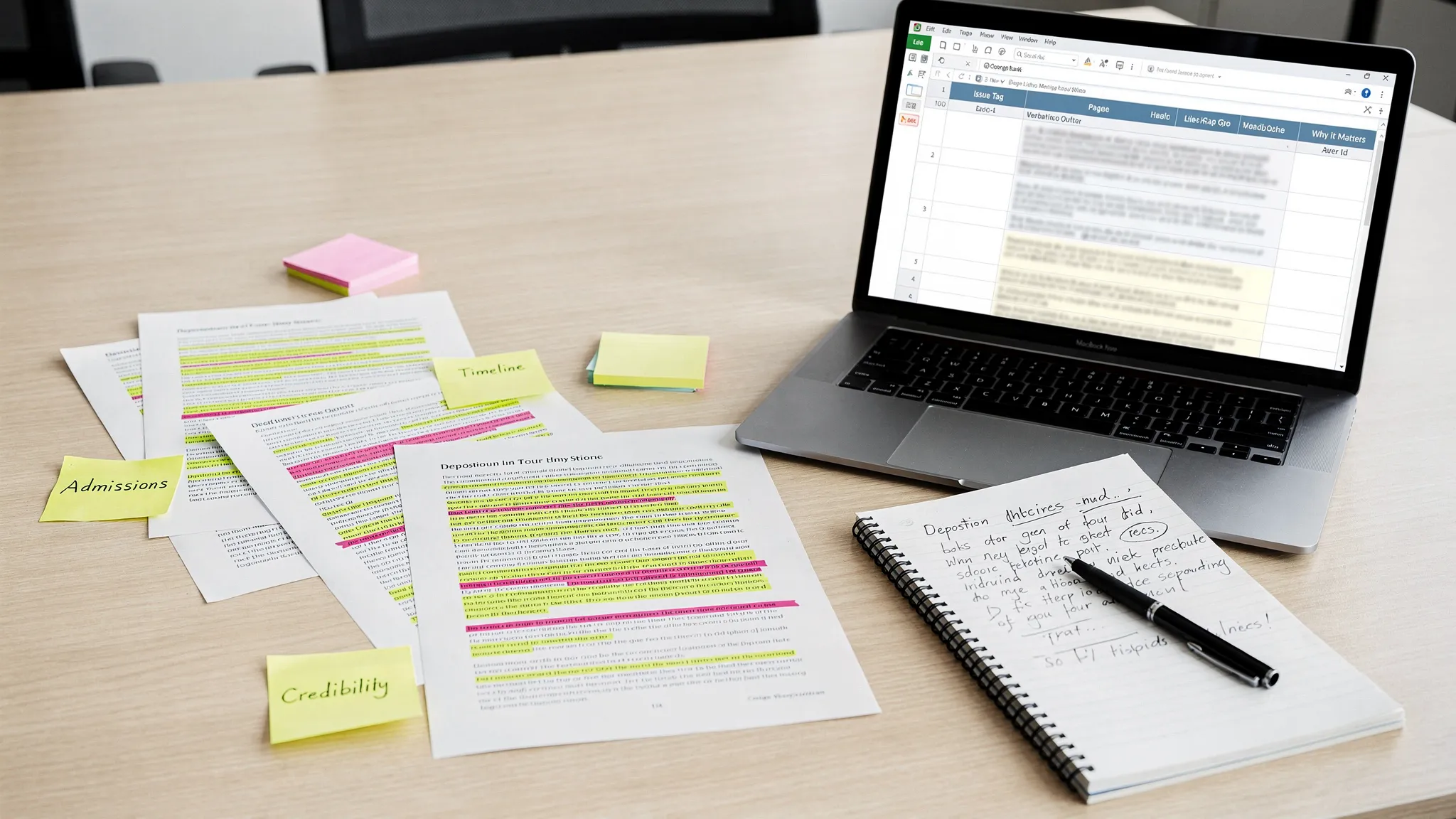
Litigation Document Control: Naming, Versions, and Audit Trails
.png)
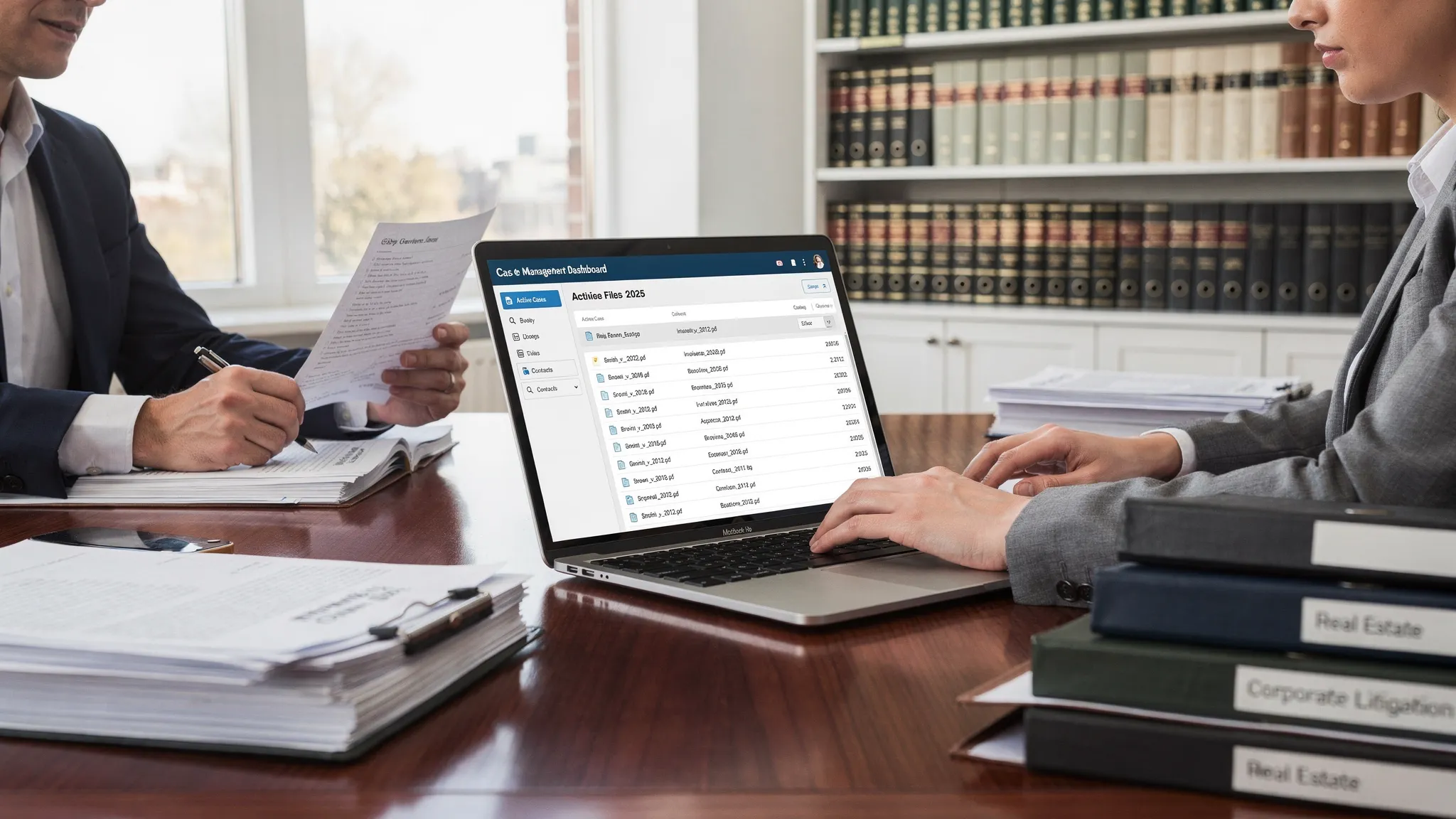
Litigation moves fast, and the fastest way to lose time (or credibility) is a messy case file: “Final_v3_REVISED(1).docx,” missing exhibits, and no record of who changed what. Litigation document control is the discipline that prevents those problems with three simple pillars: consistent naming, reliable versioning, and defensible audit trails.
Why document control matters in litigation
Document control is not just admin hygiene. It directly affects case outcomes and risk:
- Deadlines and accuracy: The “wrong” version of a demand, disclosure, or exhibit can create avoidable corrections, continuances, or sanctions risk.
- Privilege and confidentiality: A mis-sent draft with comments or metadata can compromise strategy.
- Chain of custody and defensibility: When disputes arise about authenticity, timing, or access, an audit trail matters.
In federal practice, discovery obligations and proportionality under the Federal Rules of Civil Procedure (FRCP 26 and 34) make it even more important to show that your production process is organized, repeatable, and explainable.
1) Naming conventions that scale beyond “just this case”
A naming convention should do two things: (1) tell you what a file is without opening it, and (2) sort correctly in any folder, email, or export.
A practical litigation naming template
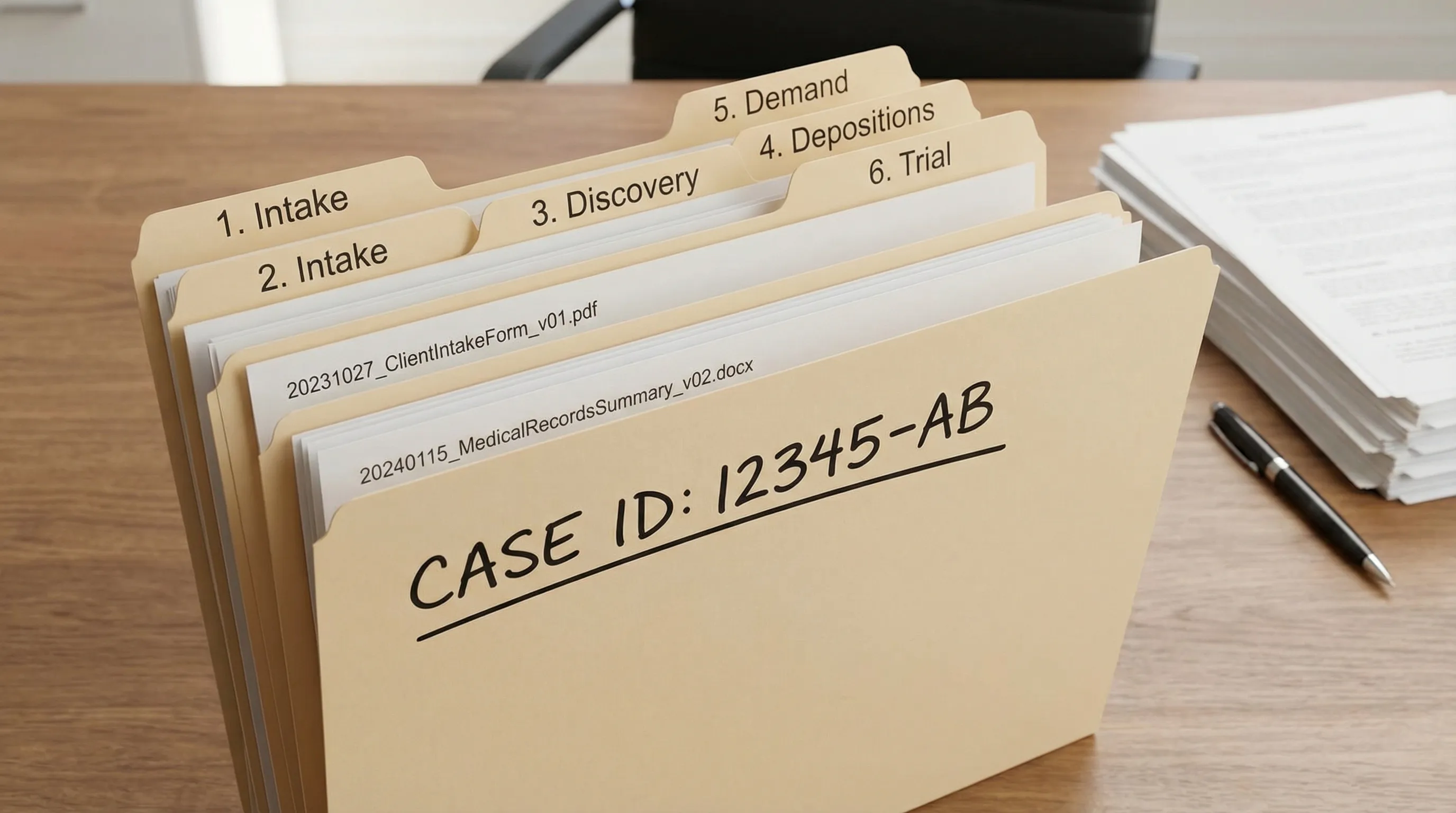
Use a predictable order with fixed separators (underscores) and an ISO-style date (YYYYMMDD):
[CaseID][DocType][Party/Source][YYYYMMDD][ShortDescription][Conf][v##]
Common values:
- CaseID: short internal matter code (ex: SMITH_PI_2026)
- DocType: DEMAND, MEDSUM, DEP_OUTLINE, ROGS, RFP, RESP, PLEADING, EXHIBIT, PROD_LOG
- Party/Source: PL, DEF, INS, PROVIDER, EXPERT
- Conf: PRIV, AEO, PUBLIC (use your firm’s standard)
- v##: v01, v02, v03 (two digits keeps sorting clean)
Examples (good vs risky)
| Purpose | Good filename | Risky filename |
|---|---|---|
| Demand letter | SMITH_PI_2026_DEMAND_INS_20260210_LimitsTender_PRIV_v03.docx | demand_final_final_revised.docx |
| Medical summary | SMITH_PI_2026_MEDSUM_PROVIDER_20260128_ERVisit_PRIV_v01.docx | med summary new.docx |
| Deposition outline | SMITH_PI_2026_DEP_OUTLINE_DEF_20260212_Driver_PRIV_v02.docx | depo outline (2).docx |
Two small rules that prevent 80% of confusion
- Never put “final” in the filename. “Final” is a status, not an identity. Status belongs in your system of record (or at minimum in a clearly defined folder).
- Keep descriptions short and standardized. If you need three lines to explain it, that belongs in notes, not the filename.
2) Version control: how to stop “v7” from becoming the truth
Naming helps you find files. Version control ensures you can trust them.
Define three states: Original, Working, Filed/Served
A clean approach is to treat each document as moving through stages:
- Original (immutable): what came in (records, photos, native productions). Lock it down.
- Working: drafts, annotations, internal edits.
- Filed/Served: what actually left your office (court filing, service copy, production set).
The practical goal is simple: anyone should be able to answer, in under 30 seconds, “Which version went out?”
Recommended controls (lightweight but effective)
- Single system of record: pick one place where the authoritative file lives.
- Check-in/check-out behavior: one editor at a time for high-stakes documents (demand letters, key depo outlines, discovery responses).
- Redline discipline: if edits are substantive, save a redline PDF alongside the new version.
- Lock served copies: convert to PDF, store in a “Served/Filed” folder, and restrict edits.
Watch-outs in real litigation workflows
- Email attachments create parallel universes. If a draft must be emailed, require saving it back to the system and incrementing the version.
- Comments and tracked changes: assume they will be seen someday. If you do not want it discoverable or embarrassing, remove it before anything is shared externally.
3) Audit trails: making your case file defensible
An audit trail is a record of who accessed a document, what changed, and when. Even if you never end up in a dispute over authenticity, auditability improves team coordination and reduces rework.
What your audit trail should capture
At minimum:
- User and timestamp: create, view, edit, download, share
- Version history: what changed between versions (or at least that a new version exists)
- Permissions: who had access at the time
- Export/production events: what was produced, to whom, and when
Why audit trails help with privilege and discovery
Audit trails support internal explanations like:
- “This was an internal draft that never left the firm.”
- “This copy was served on X date and matches the court filing.”
- “Access was limited to the litigation team.”
They also reduce the risk of accidental disclosure by making sharing and downloads visible.
Vendors count too
If you use third parties (court reporters, record retrieval, eDiscovery, copy services, or even non-legal vendors who handle deliverables), hold them to the same standards. Many firms already do this for business operations with outside partners (for example, marketing agencies like Realisma) by requiring clear file naming and tracked revisions. The same discipline applies to litigation work product.
A quick “document control” checklist you can adopt this week
- Choose one naming template and publish it to the team.
- Require YYYYMMDD dates and v## versions.
- Create a “Served/Filed” location and restrict editing.
- Separate “Originals” from “Working” documents.
- Standardize who can rename files (and when).
- Ensure your tools preserve version history and access logs.
Frequently Asked Questions
What is litigation document control? Litigation document control is the system of naming, storing, versioning, and tracking access to case documents so the team can find the right file fast and prove what happened if challenged.
What’s the best naming convention for litigation files? A convention that includes a matter ID, document type, source/party, date (YYYYMMDD), and version (v01, v02). This keeps files sortable and understandable without opening them.
How do audit trails help in litigation? Audit trails show who accessed or changed a document and when. They support defensibility, reduce confusion, and help explain what was shared, served, or produced.
Should we keep drafts in the same folder as served copies? Usually no. Keep drafts in a working area and store served/filed copies as locked PDFs in a separate location to prevent accidental edits.
Speed up litigation-ready outputs without losing control
Document control is the foundation, but teams still spend hours turning raw records and discovery into usable work product. TrialBase AI helps bridge that gap by letting legal professionals upload documents and generate litigation-ready materials like demand letters, medical summaries, and deposition outlines in minutes, while supporting a more unified workflow for case preparation.
Explore how it fits into your process at TrialBase AI.