Law Firms AI: A Buyer’s Guide for Litigation Teams
.png)

AI is now table stakes in litigation, but “law firms AI” can mean everything from a general chatbot to a workflow that turns a document pile into case-ready work product. If you are buying for a litigation team, the goal is not novelty, it is defensible speed: faster drafting and analysis without creating confidentiality, accuracy, or malpractice risk.
This guide walks through what to buy, what to avoid, and what to ask in demos.
Start with the litigation jobs that actually move cases
The fastest ROI comes from tasks that are high-volume, repetitive, and already have a quality standard your team understands.
In most plaintiff and defense litigation teams, the best first use cases are:
- Medical record and chronology summaries (issue spotting, timelines, treatment course)
- Demand letters (facts, liability framing, damages narrative, exhibits list)
- Deposition outlines (topic organization, impeachment hooks, record citations)
- Discovery review support (prioritization, gap finding, interrogation of what is missing)
- Trial materials prep (witness kits, exhibit lists, case themes and timelines)
If a vendor cannot show strong performance on at least one of these, with clear traceability back to the underlying documents, keep looking.
The 3 main categories of “law firms AI” (and why it matters)
Not all AI tools are built for litigation work product. Knowing the category helps you predict risk, implementation effort, and value.
| Category | What it’s good at | Common pitfalls in litigation | Best fit |
|---|---|---|---|
| General-purpose AI chat tools | Brainstorming, rewriting, summarizing small text snippets | Weak document grounding, inconsistent formatting, limited auditability | Individual attorney productivity, low-risk drafts |
| Research-focused legal AI | Case law retrieval, citations, jurisdictional analysis | Not built for your case file, medical records, or discovery sets | Motion practice and legal research teams |
| Litigation support AI platform | Turning case documents into litigation outputs (summaries, demand letters, depo outlines) | Quality varies widely, depends on document ingestion, controls, and workflows | Teams handling many matters and large document sets |
For litigation teams, the deciding factor is usually whether the tool is designed to ingest your actual case record and produce structured outputs your team can reuse.
Buyer criteria that matter most for litigation teams
1) Accuracy you can audit (not just “good writing”)
In litigation, a fluent draft is not the same as a correct draft. Prioritize systems that make it easy to verify.
Look for:
- Document-grounded outputs (the tool clearly relies on your uploaded materials)
- Source traceability (citations, references, or links back to the record where possible)
- Repeatability (similar inputs produce consistent, structured results)
- Clear handling of unknowns (it should not “fill in” missing facts)
A practical demo test: provide a small set of records with one deliberately conflicting detail (example: two different dates of loss). See whether the output flags the conflict or silently chooses one.
2) Confidentiality, privilege, and professional responsibility controls
Law firm leadership increasingly expects AI use to be governed like any other sensitive vendor relationship.
At minimum, ask about:
- Data handling (storage, retention, deletion)
- Whether your data is used to train models
- Access controls and team workspaces
- Audit logs or usage tracking (who accessed what and when)
For ethics framing, review the ABA’s guidance on generative AI tools (Formal Opinion 512). It highlights attorney duties around confidentiality, competence, supervision, and communication when using AI.
3) Litigation-ready outputs, not generic summaries
A buyer mistake is evaluating only “summary quality.” Litigation teams need deliverables that match how you work.
In a demo, ask for outputs in the formats you actually use:
- A demand letter that follows your firm style, with damages framing and exhibit references
- A medical summary that separates records reviewed, timeline, key conditions, and causation-relevant facts
- A deposition outline organized by themes, with targeted questions and record hooks
If the vendor’s best case is “you can copy/paste from the chat,” you are buying effort, not leverage.
4) Workflow fit and collaboration
The hidden cost in law firms AI is context switching: downloading files, re-uploading, reformatting, tracking versions, and chasing comments.
A litigation-oriented platform should support a unified workflow so teams can collaborate on the same matter outputs, keep drafts organized, and reduce handoffs. If you routinely work in pods (partner, associate, paralegal), require a tool that supports team use from day one.
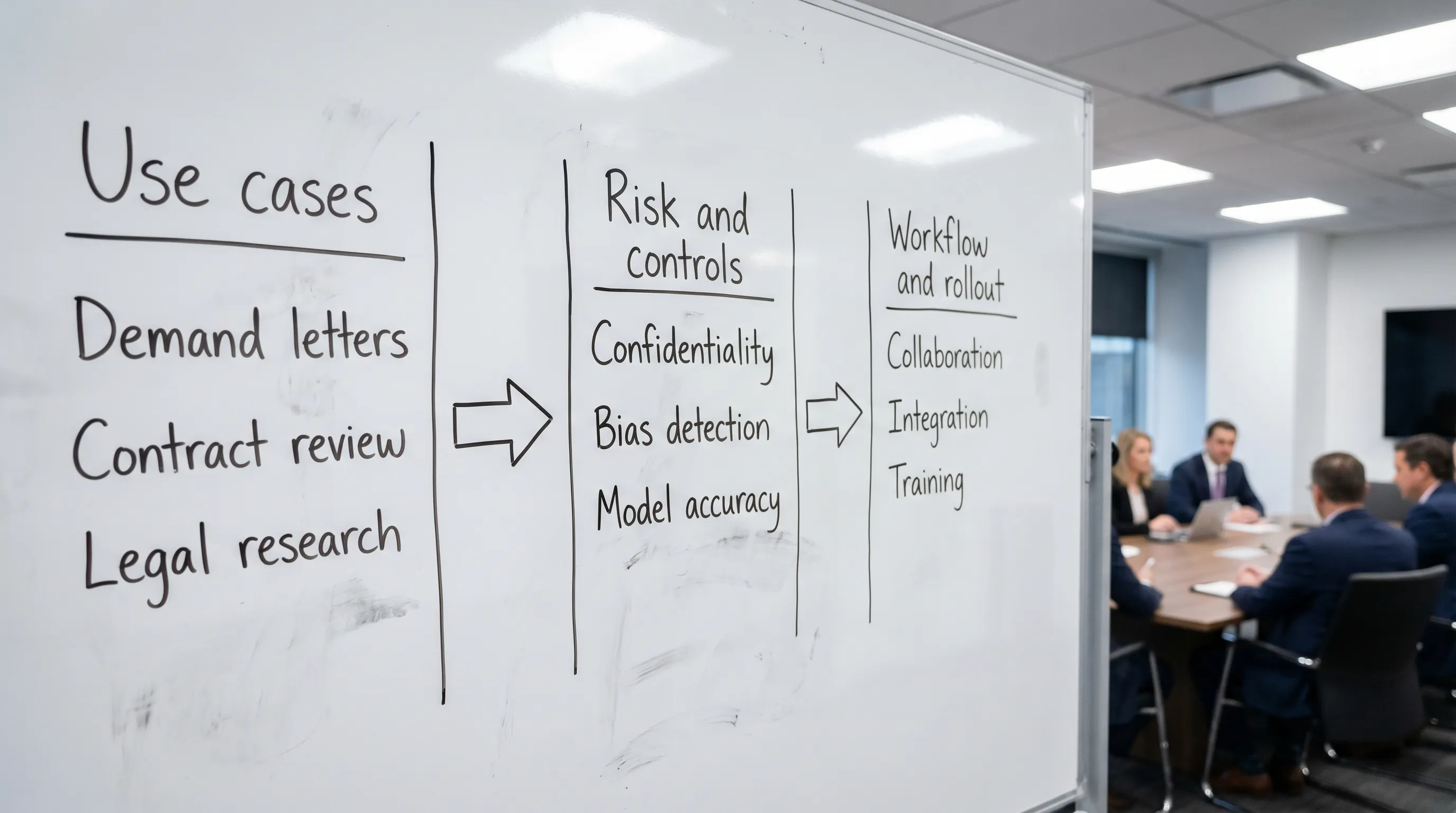
5) Implementation and governance
AI adoption fails when it is treated like an “app install.” Treat it like a process change.
Define:
- Which work types are allowed (and prohibited) in the tool
- Required human review steps before anything is sent externally
- A simple quality checklist (facts, dates, names, medical codes, damages math)
- A pilot period with a small group and a clear success metric (time saved per matter, reduction in rework)
For a general risk framework, the NIST AI Risk Management Framework is a helpful, non-legal baseline for thinking about measurement, monitoring, and governance.
A demo script you can reuse (buyer questions)
Use these questions to force clarity during vendor demos and avoid “black box” answers.
Document ingestion and scope
- What file types can we upload, and what happens to formatting, Bates labels, and OCR quality?
- Can the system handle large medical record sets and discovery bundles?
Output quality and verification
- How do we verify statements in the output against the record?
- What guardrails prevent fabricated details when the record is incomplete?
Security and data use
- Is our data used to train models, yes or no?
- What are the default retention and deletion options?
- Can we separate matters, users, and permissions by team?
Operational fit
- How do multiple team members collaborate on one matter?
- Can we standardize outputs to match our templates and litigation style?
Where TrialBase AI fits
TrialBase AI is positioned as intelligent litigation support from intake to verdict. It is designed to take your uploaded documents and generate litigation-ready outputs in minutes, including demand letters, medical summaries, deposition outlines, and trial materials, with unified workflow and collaboration features for teams.
If your buying priority is reducing the time between “we received documents” and “we have a usable litigation work product,” platforms like this are typically a better fit than general-purpose AI tools.
Frequently Asked Questions
Is law firms AI safe to use with privileged materials? It can be, but only if the vendor’s confidentiality controls, data handling terms, and your internal review process meet your risk tolerance and ethical duties.
What should litigation teams automate first with AI? Start with high-volume work product like medical summaries, demand letters, and deposition outlines, then expand once your review and governance process is stable.
How do we evaluate AI accuracy for litigation outputs? Run a controlled pilot with known records, introduce a few edge cases (conflicting dates, missing pages), and require traceability so reviewers can confirm facts quickly.
Will AI replace associates or paralegals? In most firms, AI shifts time from first-pass drafting and organization to higher-value analysis and strategy, with humans still responsible for verification and advocacy.
See how fast your team can go from documents to litigation-ready drafts
If you want to evaluate a litigation-focused workflow (not just a chatbot), explore TrialBase AI. Upload case documents and generate demand letters, medical summaries, deposition outlines, and other trial materials in minutes, then refine with your team before anything goes out the door.