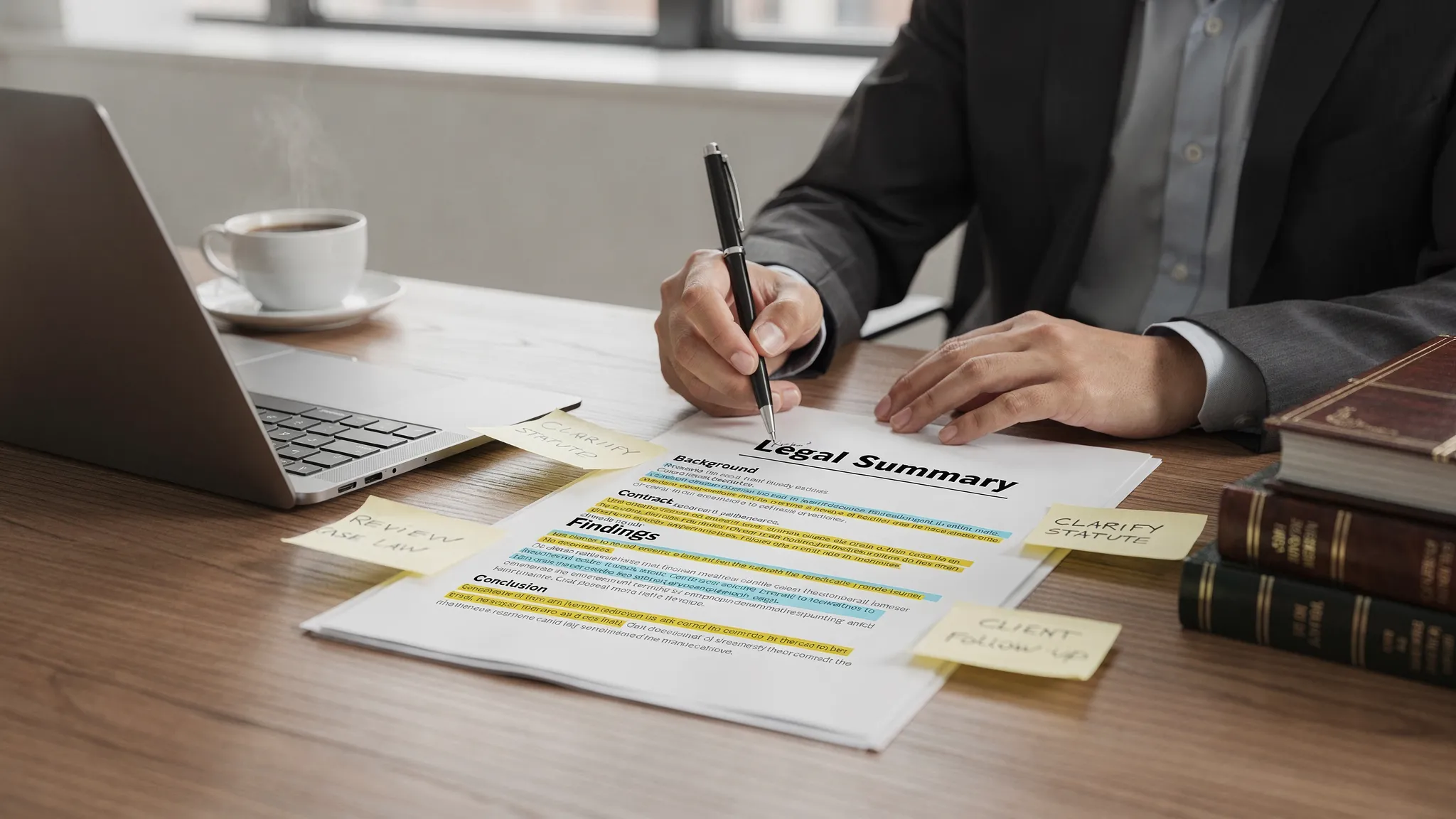
AI in Legal Practice: What Lawyers Can Automate Today
.png)

Lawyers do not need futuristic “robot attorneys” to see real value from AI. The biggest wins in 2026 come from automating the repetitive parts of practice so you can spend more time on strategy, client counseling, and advocacy. In other words, AI in legal practice is already practical, as long as it is used with the right guardrails.
What lawyers can realistically automate today
Legal work has always had a split personality: some tasks require professional judgment, others are high-volume and pattern-based. Modern AI performs best in the second category, especially when it can work from your existing case documents.
A useful rule of thumb is to automate first drafts and first passes, then keep a lawyer “in the loop” for review and final decisions.
The “high ROI” automation map (with risk level)
| Task to automate | What AI can do well today | Typical benefit | Risk level (if unmanaged) |
|---|---|---|---|
| Intake and case triage | Extract parties, dates, injuries, coverage, venue, key facts | Faster evaluation, cleaner files | Medium |
| Document summarization | Produce summaries of records, pleadings, correspondence | Saves hours per case | Medium |
| Medical summaries and chronologies | Turn records into timelines, issue lists, treatment summaries | Better demand packages, faster prep | Medium |
| Demand letters (first draft) | Draft a structured demand using facts, damages, citations | Speeds negotiation readiness | Medium |
| Discovery organization | Identify topics, requests, and gaps, build issue grids | Reduces chaos, improves follow-up | Medium |
| Deposition outlines | Create witness-specific outlines tied to exhibits and themes | More consistent prep | Medium |
| Trial prep materials | Exhibit lists, theme summaries, witness packets (draft) | Shortens trial crunch time | Medium |
| Case analytics for settlement posture | Highlight liability flags, damages drivers, missing proof | Better next steps | Medium |
The “risk level” column is not a reason to avoid automation. It is a reminder to apply controls like review, citations to source documents, and confidentiality protections.
Specific legal workflows you can automate (and how)
1) Intake, triage, and “what do we have?” case snapshots
Most firms lose time early because information arrives in fragments: police report, ER notes, photos, adjuster emails, prior claims, and client narratives. AI can consolidate these into a case snapshot that includes:
- Parties, providers, insurers, claim numbers, and key contact details
- Accident date, treatment timeline, missed work, and damages categories
- Gaps to chase (missing imaging, billing, prior records, wage verification)
Used correctly, this is not “outsourcing judgment.” It is making sure the file is complete before you decide what to do next.
2) Medical summaries and chronologies for PI and med-mal workflows
Medical records are dense, repetitive, and time-consuming. AI can extract and organize:
- Dates of service, complaints, diagnoses, and procedures
- Medications, imaging, and referrals
- Red-flag issues (inconsistent histories, intervening events, prior similar injuries)
The practical advantage is speed plus consistency: the same structure across matters makes review easier for partners, co-counsel, and experts.
3) Demand letters that start “litigation-ready”
Demand letters are often formulaic, but time-consuming because they require assembly: liability story, treatment narrative, special damages, and supporting exhibits.
AI can draft a demand letter framework that you then refine, including the legal theory and tone. The key is to ensure the draft is grounded in your documents, not generic language, and that it matches your jurisdiction’s requirements and your firm’s negotiation strategy.
4) Deposition outlines tied to your record
Depositions reward preparation. AI can accelerate the outline-building step by:
- Grouping topics (liability, causation, damages, impeachment)
- Pulling key contradictions across statements and records
- Suggesting exhibit sequences linked to the factual timeline
This works best when your tool can cite where each point came from, so you can verify quickly.
5) Discovery organization and “what’s missing?” tracking
In discovery, the hard part is not writing the requests, it is tracking what you asked for, what you received, and what is still missing.
AI can help you build issue-focused grids (for example, medical causation, wage loss, surveillance, prior claims) and identify missing items based on what it sees in the file.
6) Trial prep materials, without the last-minute scramble
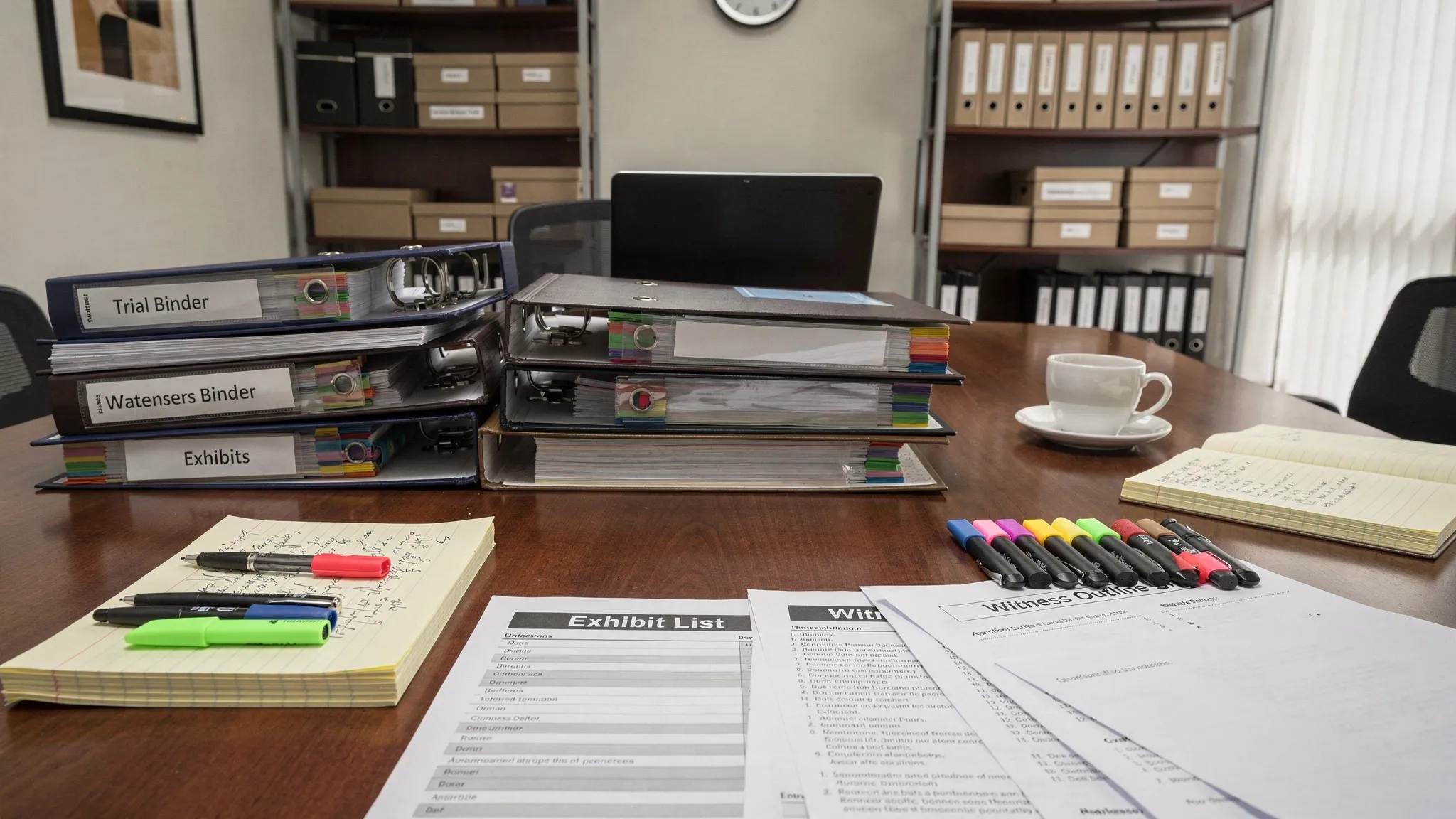
AI can draft trial-adjacent materials such as exhibit lists, witness packets, and theme summaries. The lawyer’s job remains: admissibility, evidentiary objections, motion practice, and the narrative strategy. But reducing the assembly burden can meaningfully shrink trial crunch time.
What not to automate (or at least not without strict review)
Even with excellent tools, AI should not be treated as a substitute for legal analysis. In practice, these are the danger zones:
- Legal advice and final conclusions without lawyer review
- Citations and case quotes unless you independently verify against authoritative sources
- Filing-ready documents without a careful check for jurisdictional rules, formatting, and procedural posture
- Anything involving privileged or confidential data without vetted security and access controls
For professional responsibility, many firms map AI use to existing duties of competence and confidentiality (for example, ABA Model Rules 1.1 and 1.6). The point is not to “ban AI,” it is to use it competently with a process that protects the client.
If you want a general risk framework that is not legal-specific, the NIST AI Risk Management Framework is a practical starting point for governance concepts like accountability and transparency.
A lightweight implementation checklist for law firms
You do not need a year-long transformation project. A sensible rollout usually looks like this:
- Pick one workflow (medical summaries, demand letters, depos) and pilot it for 2 to 4 weeks.
- Require source-grounding (outputs should be traceable to the uploaded documents).
- Define a review standard (who reviews, what gets checked, and how edits are captured).
- Limit access by role, and separate matters to avoid cross-case leakage.
- Document your process so it supports training, quality control, and defensibility.
Outside of casework, firms often discover additional time savings by automating business operations. For example, marketing teams may use tools like BlogSEO to automate SEO content publishing, which can reduce the non-billable load without distracting attorneys from legal work.
Where TrialBase AI fits in this automation stack
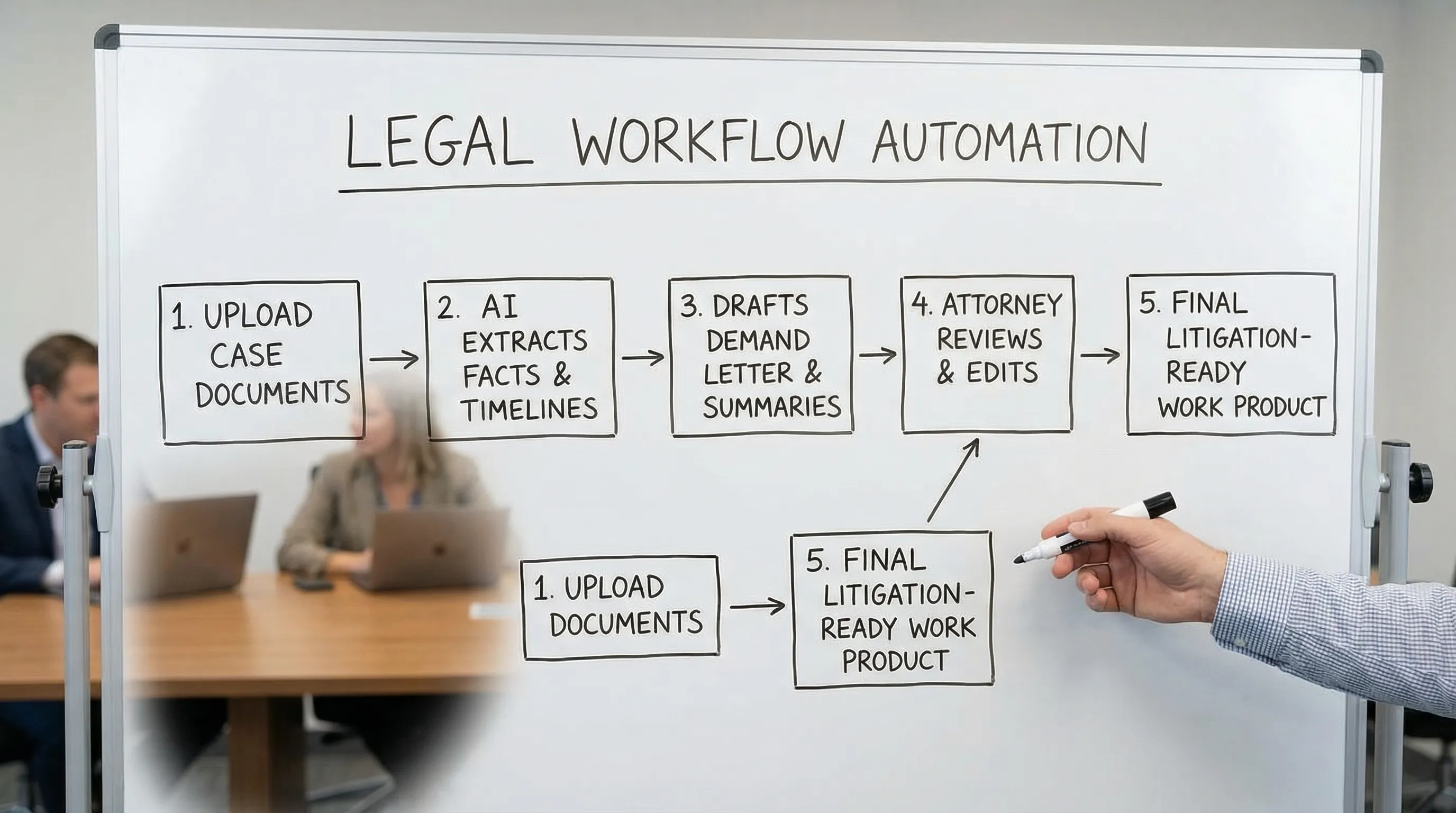
TrialBase AI is built for litigation workflows from intake to verdict. If your day is spent turning messy documents into case-ready work product, the core idea is simple: upload documents, get litigation outputs in minutes, including demand letters, medical summaries, deposition outlines, and other trial materials.
Explore the platform here: TrialBase AI.
Frequently Asked Questions
Is AI in legal practice allowed under ethics rules? In many jurisdictions, AI use is permitted when lawyers remain responsible for competence, supervision, and confidentiality. Treat AI as a tool, not a decision-maker.
What is the safest legal task to automate first? Summarization and chronology building (especially medical records) often deliver immediate value while remaining reviewable against the source documents.
Can AI draft a demand letter I can send as-is? It can draft a strong first version, but it should not be sent without attorney review for factual accuracy, tone, jurisdictional requirements, and strategy.
How do I reduce hallucinations or made-up details? Use tools that ground outputs in your uploaded documents, require citations to the record where possible, and adopt a consistent review checklist.
Will AI replace associates or paralegals? In most firms, AI reallocates time rather than replacing roles. It reduces repetitive drafting and extraction so people can focus on higher-value analysis and client service.
Call to action
If you want to automate the parts of litigation that slow cases down, without sacrificing quality, take a look at TrialBase AI. Upload a matter and generate demand letters, medical summaries, and deposition outlines in minutes, then apply attorney review to finalize work product with confidence.